Clevermore, Now on Mobile
Your Practice, in Your Pocket
Legal work doesn't wait for you to get back to your desk. The client calls between meetings. The redline lands while you're in the elevator. The follow-up you meant to send has been sitting since this morning.
Now Clevermore goes with you. Your tasks, your matters, and your assistant live on your phone in a fast, touch-native app. Get current, act on what needs you, and get on with your day.
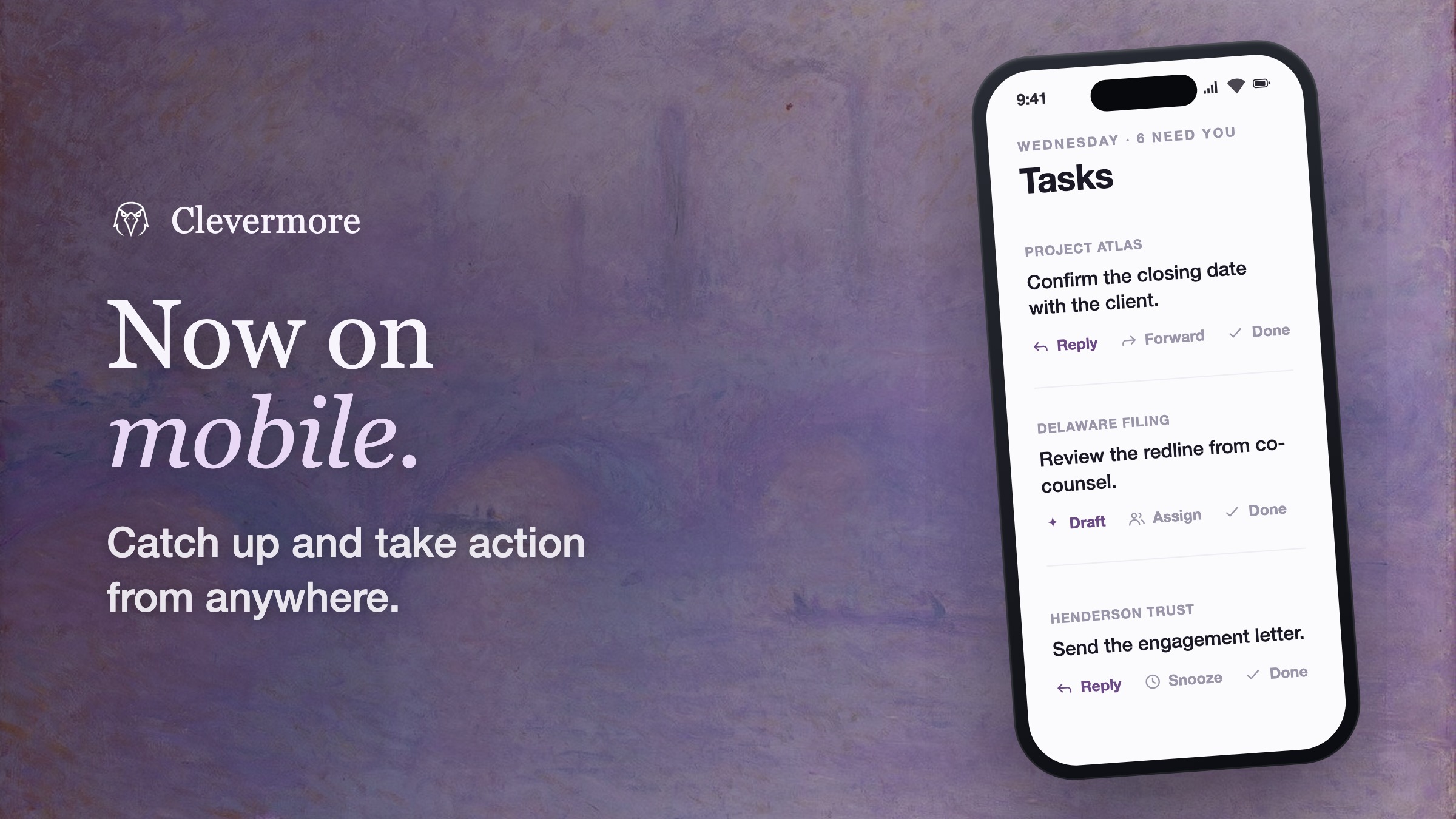
A Standalone App, One Tap Away
Clevermore on mobile is its own app. Open it straight from your home screen and you're in — the same account, the same matters, the same data, instantly. It runs on its own, so there's nothing else to launch first.
Installing takes one tap: open Clevermore in your phone's browser, add it to your home screen, and it's there like any other app — full-screen, its own icon, updating automatically. Sign-in runs through your firm's Microsoft identity, so you're in with the credentials you already use.
Built for Touch
Every interaction is designed for a thumb on the move:
- Swipe to fly through your work — push into a matter, swipe a sheet away, edge-swipe to go back.
- Long-press to act — hold a task to bring up its full menu.
- One-handed by design — big targets, easy to read, quick to reach.
Fast, fluid, and native to the phone.
Enterprise-Grade, Wherever You Open It
The mobile app carries the full Clevermore security model:
- Your firm's Microsoft identity — MFA, Conditional Access, and user provisioning all apply automatically.
- Single-tenant infrastructure — your data stays on your firm's own dedicated environment.
- Zero-retention AI — content is processed to do the work, then discarded.
The controls your firm already runs cover it the moment it's on.
Triage Alongside the Assistant
On mobile, the assistant is your fastest way in. Ask what needs you, what moved on a matter, or what a long thread actually means — then act on the answer in the same breath.
And you have the full set of actions in hand:
- Reply, reply-all, or forward — drafted and sent right from your phone.
- Draft with AI — let Clevermore write it, then review and send.
- Delegate — reassign a task or route work to your team.
- Close the loop — complete a task, snooze it, or create a new one.
Five minutes between meetings is enough to move real work forward.
No Downtime Between Desk and Pocket
Mobile and desktop are one Clevermore. Triage a task on your phone and it's done on your desktop. Start an assistant conversation on your laptop and pick it up on your phone, in context. Everything follows you — no syncing, no setup, no seam.
That's the promise: the same memory and the same assistant, with you wherever you are. Seamless transitions, no downtime, and the peace of mind that nothing slips while you're between places.
Already using Clevermore? Open it in your phone's browser and add it to your home screen. Not yet? Book a demo and we'll show you the whole thing — desk and pocket.