1-Click Compliance for Outlook + iManage
November 21, 2025•Clevermore Team
Stay compliant without changing how you work. Our new iManage integration keeps Outlook automatically in sync with your client matters — categories, tags, tasks, and outbound email all line up instantly.
What It Does
1-Click Matter Mapping
Import your iManage matters, and Clevermore will automatically create Outlook categories and mailboxes for you.
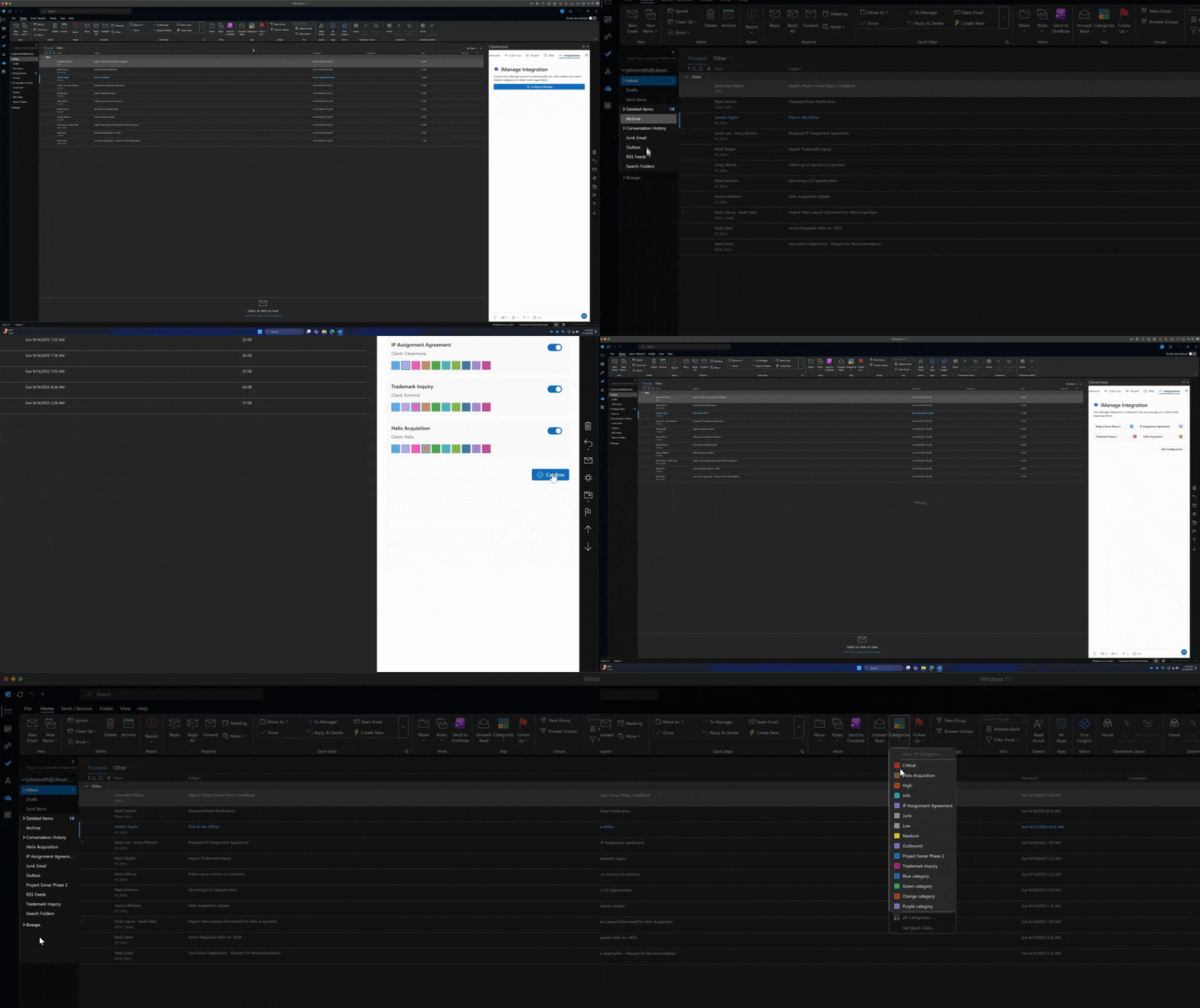
Outlook Always Stays in Sync
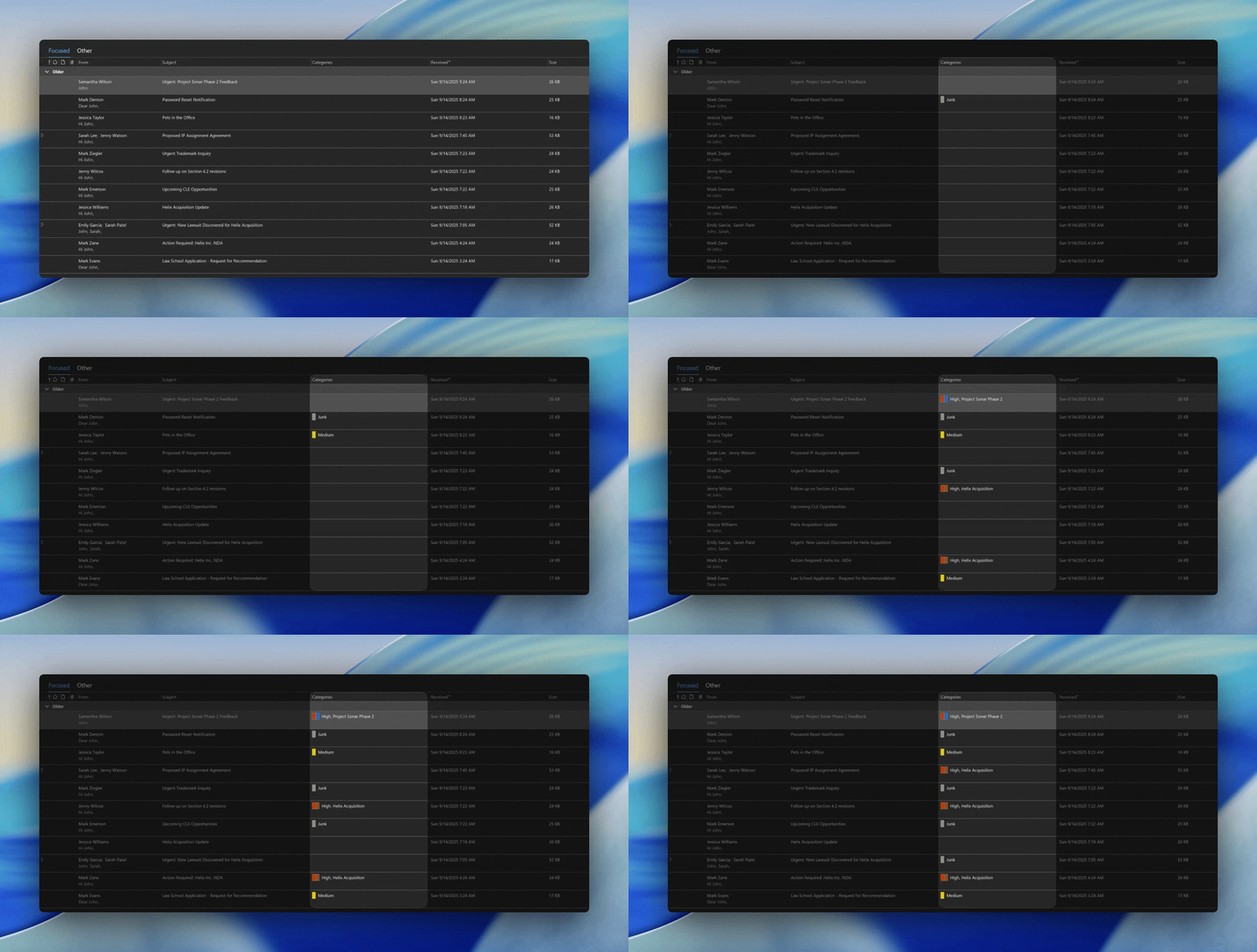
Whenever you categorize an email, Clevermore updates everything tied to it:
- Tasks inherit the correct matter
- Outbound communications are grouped automatically
- Matter colors stay consistent across your workflow
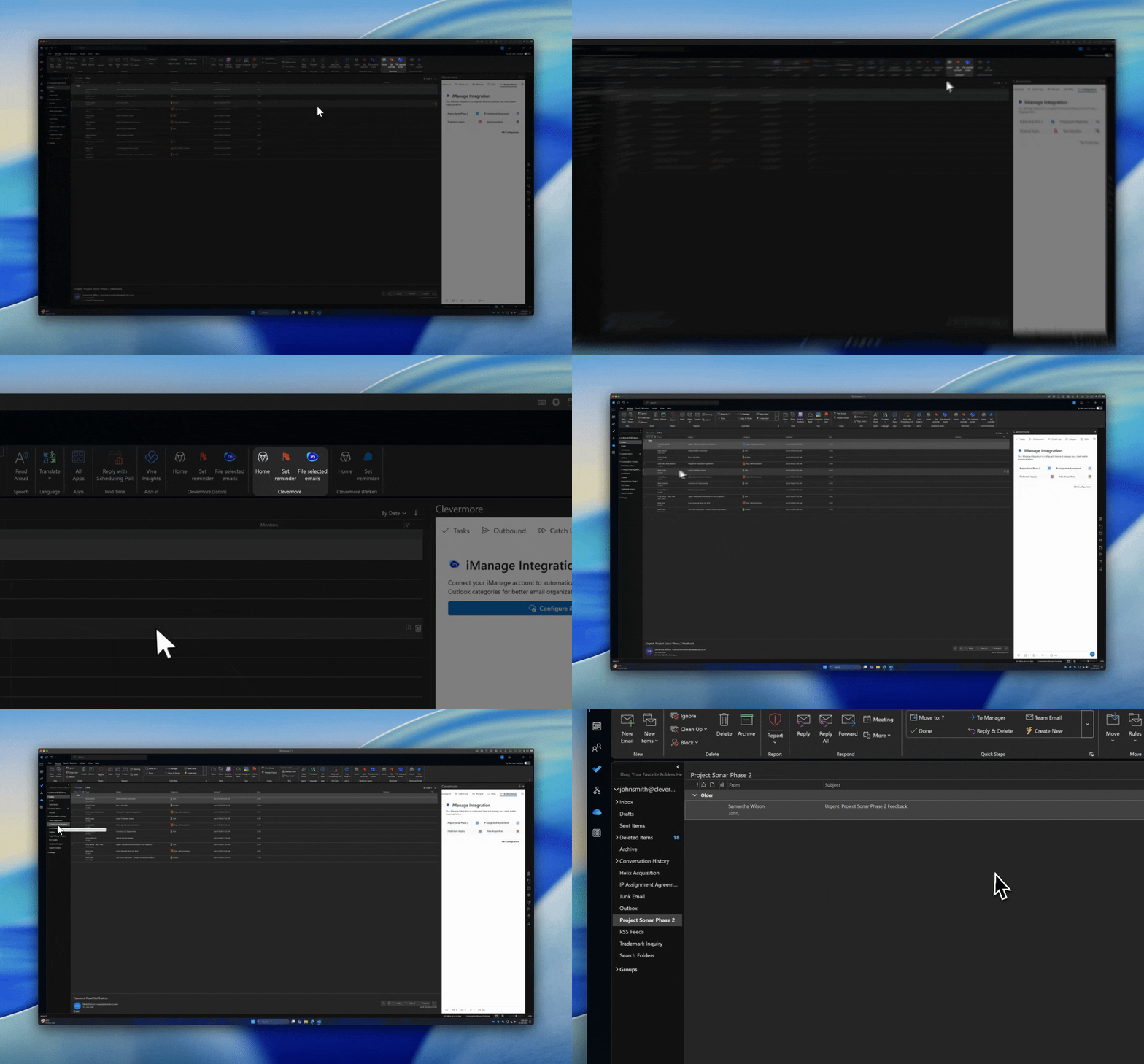
Automatically File Emails
After responding to an email, Clevermore will intelligently file it in iManage and move it to the correct mailbox, reducing inbox clutter and keeping your workflow organized.
Why It Matters
- True 1-click compliance
- No manual tagging or cleanup
- Outlook reflects your exact iManage structure
- Visual clarity through consistent matter colors
- Everything related to a matter is grouped automatically
What’s Coming Next
- Two-way iManage sync
- Advanced search + filtering
- Bulk matter operations
- Deeper iManage feature support
Have feedback or ideas? Email us at support@clevermore.ai — we’d love to hear from you.